
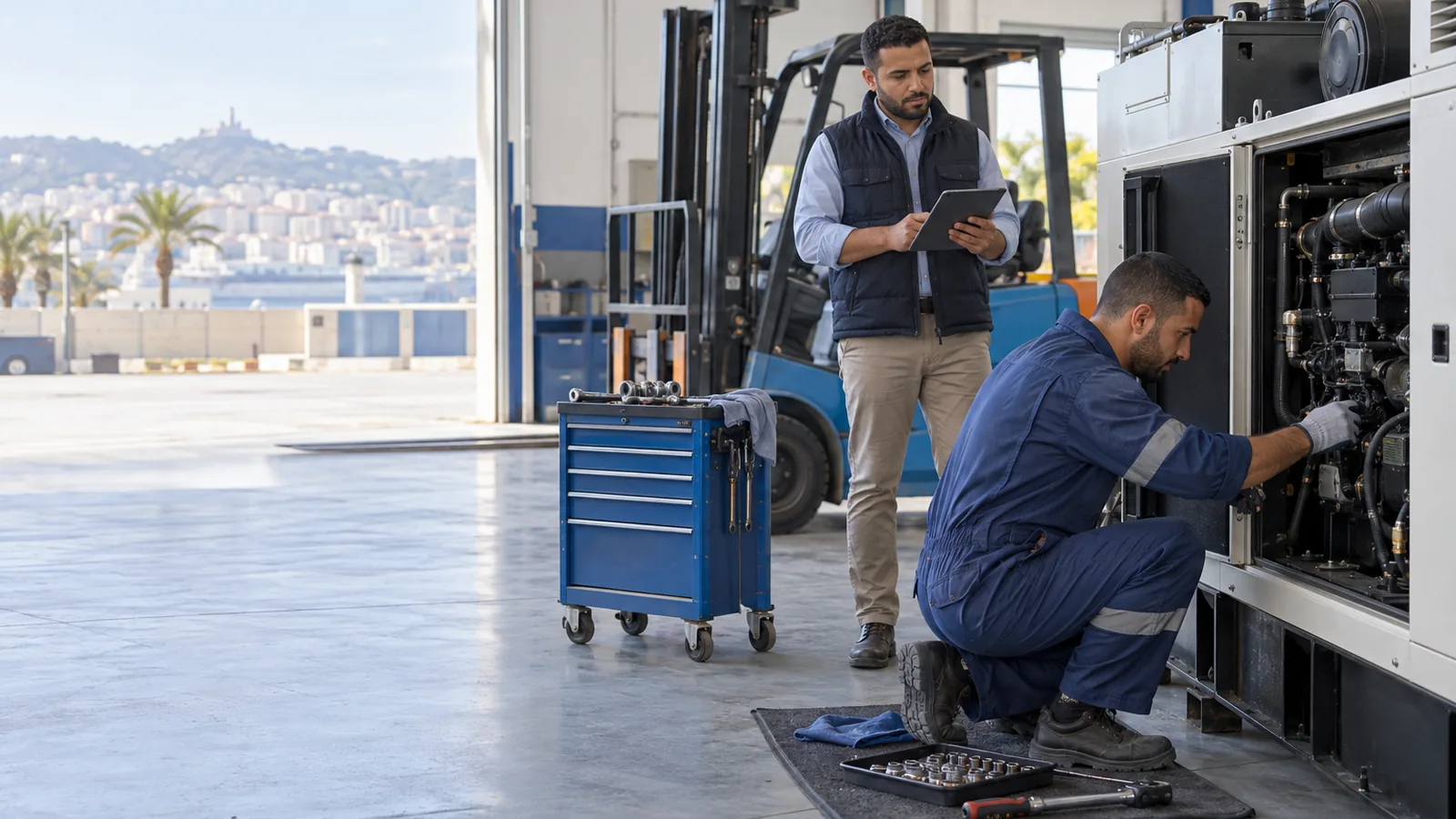
Insurance found expired at a police checkpoint, a missed oil change that ends in an engine rebuild, a generator sent for repair and nobody knows when it will be back: equipment becomes expensive when it lives in one person's memory. The Equipment register module of Almawarid gives every vehicle, machine and piece of plant its own record, history and due dates, visible to the whole team.
When the fleet lives in the workshop manager's head
In construction, transport or maintenance companies, equipment follow-up often sits in a binder and in the workshop manager's head. Insurance and roadworthiness dates are written on scraps of paper, the next oil change on a windscreen sticker, repairs on invoices filed anywhere. The day that manager is away, nobody knows what is falling due.
And when a machine goes to the repairer, things get blurry: who handed it over, in what condition, with which accessories, how many days it stayed off the job, and what was actually replaced? With no written record, you cannot challenge a repair bill or claim a warranty.
One record per machine, one page for every due date
Each item has its record: name, category, identifier (registration, serial or chassis number), a meter in kilometres or hours, and an owner, whether it is your own fleet or a customer whose equipment you service. Every intervention is logged with the date, meter reading, work done, technician and cost; the meter updates itself and its chart appears from the second reading.
Due dates can be set by date, by meter, or both: an oil change at 120,000 km, an insurance renewal, a yearly roadworthiness test. The Due dates page gathers them for the whole fleet and ranks them: overdue first, then those within 30 days or 500 meter units, then those within 90 days. For a repair, the out slip and the return slip record condition, accessories, parts replaced, warranty, cost and downtime.
How it works, in five screens
- New equipment: you create the record with its identifier, meter and your own fields, and tick “Public record” if the QR code should be scannable.
- Maintenance due dates: on the record, you add each due item, oil change, roadworthiness test, insurance or road tax sticker, with a date, a mileage or a number of hours.
- Due dates: the page for the whole fleet: what is overdue, what falls due this month or this quarter, machines out of service, and “Mark done” once it is handled.
- Maintenance: out and back: the out slip records destination, reason, meter and condition; the return slip records work done, parts, warranty and cost. Both print on A4, like the intervention report.
- Customer QR sticker: you print the QR code and stick it on the windscreen or the machine: scanning it shows the service history, never the amounts.
What you gain
- No more due dates found too late. Every date and meter in the fleet on one page, sorted by urgency.
- A history that follows the machine. Interventions, readings and costs stay on the record, even when the technician changes.
- Downtime you can measure. Each maintenance trip is timed, and with the Rental and Construction sites modules a machine under repair can be neither rented out nor sent to a site.
- A service your customers can see. If you maintain customers' equipment, the QR code shows them what was done, with no phone call or paperwork.
- Clean paperwork for the repairer. Out slip, return slip and intervention report, with signature lines.
Who is it for?
The module serves companies that own equipment to maintain, and those that maintain other people's equipment: a maintenance contractor or a rental company tracks each customer's machines here. Garages also get repair orders, from vehicle check-in with a condition report through to the invoice.
- Construction and public works companies (plant, trucks)
- Hauliers and distribution companies
- Factories and workshops (machines, generators, forklifts)
- Garages and maintenance contractors
- Equipment rental companies
Frequently asked questions
Are due dates sent by SMS or email?
Not yet. They are shown inside Almawarid: on the Due dates page, on each equipment record and in the fleet list. Automatic reminders are not available today.
Can I track running hours, not just kilometres?
Yes. Each record chooses its meter, kilometres or hours, and due dates can be set on that meter. The record's meter never goes backwards.
What does someone scanning the QR code see?
Your company name, the equipment, its identifier, the meter, the fields you made public and the intervention history with dates and work done. Never the amounts. They cannot change anything, nor report a breakdown from that page.
Is the total cost of a machine calculated?
Each intervention carries its cost, and the Due dates page shows the last cost of each service item. A running total per machine and an export are not offered yet.
Can I attach the registration card or a photo to the record?
Not yet: the record does not take attachments. Useful references go into the equipment's own fields.
See the Equipment register module on your own business
Bring the list of your vehicles or plant with their next insurance and oil change dates to the demo: we build your Due dates page in front of you.
- The demo. An advisor shows you the Equipment register module on your own business, online and on your screen, and answers your questions. Request a demo.
- The trial version. It is switched on with an advisor during the demo, on your own account: your real products, your real customers, and 14 days to work in it. Create your account to request it.
- The customisation workshops. During the trial, we adapt the screens, documents and settings with you to the way you work. These workshops are free.
You only pay if you decide to continue, and prices are shown before you start on the pricing page (in French).
Ask for the demo on WhatsAppRequest a demo