
In the evening the till does not balance, the credit notebook is unreadable and nobody knows what is missing from the shelves. The Almawarid Point of sale turns every sale into three things at once: a clean receipt for the customer, updated stock for you, and a cash day you can check in two minutes.
The counter: where money disappears quietly
In a minimarket, a hardware store or a clothing shop, losses rarely come from one big theft. They come from a thousand small things: a discount given with no trace, an item sold but never removed from stock, a customer who will “pay tomorrow” and whom everyone forgets, a cash difference that nobody can explain at closing time.
Old Windows tills speak neither Arabic nor mobile, and they are connected to nothing: stock is recounted by hand, figures are copied into a notebook. You work hard, but you steer blind.
A till that sells, counts and remembers for you
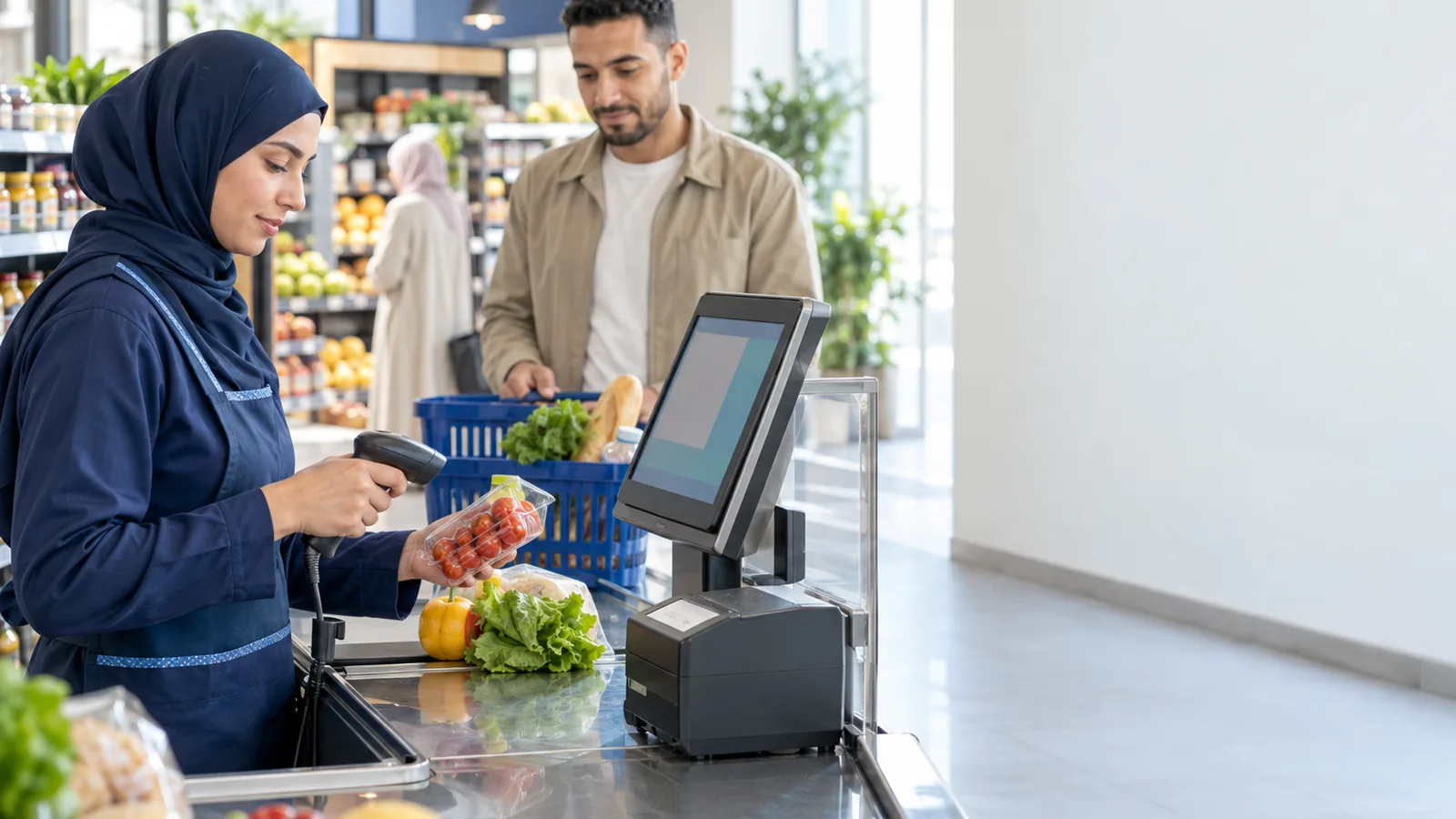
The Almawarid till runs on a tablet, a PC or a phone, full-screen and touch-friendly. The cashier scans with a USB or Bluetooth barcode scanner, picks from a grid of favourites calculated from your sales, or types in express mode. Every sale updates stock immediately, with no extra entry.
The gestures that cost money are framed: discounts are capped per cashier and refused by the server above that cap, credit sales carry the customer's name and can have a limit, and a cancellation is a traced reversal, never a deletion. At closing, the count reveals the variance, cashier by cashier.
A day at the till, screen by screen
- Opening: the cashier logs in with a PIN on the shared screen and declares the opening float; several cashiers can take turns on the same station.
- Sell: scan, favourites or search, size and colour variants on a grid; payment in cash with change, by card, mixed or on credit, and an 80 mm receipt printed.
- Customer credit (tab): each credit customer has a ledger: what they owe, their limit, and every payment that reduces the balance and goes into the drawer.
- Today's journal: the day's sales by cashier and payment method, with a 30-day analysis tab.
- Close the till: the cashier counts, the software compares with the expected amount and shows the variance; blind closing, where the cashier does not see the expected total, is available as an option.
What changes at the counter
- A queue that moves. Scanning, favourites and express mode: customers wait less, cashiers make fewer mistakes.
- True stock without a daily count. Every receipt removes what was sold, including the components of a prepared product.
- Customer credit under control. No more notebook: every debt has a name, a limit and a payment history.
- A till you can audit. Float, count and variance per cashier: you know who closed what, and with which result.
- Stamp duty calculated. On the part paid in cash, frozen at the time of sale.
Who is it for?
The Point of sale module serves every counter business. Starting alone on one computer? The free Caisse edition for Windows PCs works offline, with stock and the cash journal. As the shop grows, paid plans add several stations, several warehouses, invoicing and the rest of the management suite.
- Minimarkets, grocery stores and convenience shops
- Hardware stores and building-materials shops
- Clothing and shoe boutiques
- Bakeries, pastry shops and cafés
- Bookshops, stationers and cosmetics stores
Frequently asked questions
Do I need the internet to sell?
Not with the Desktop edition, which runs entirely on your PC, database included. Several stations in the shop can connect over the local network, an option you switch on in the software's File menu.
Which printers and scanners work?
Any 80 mm receipt printer and any barcode scanner recognised by the system. The Desktop edition prints without a dialog box; opening the cash drawer connected to the printer works on Windows.
How many cashiers can I have?
As many as you need: each has a PIN, a discount cap and their name on every receipt.
Can I put a receipt on hold?
Yes, on the station: the customer goes back for a forgotten item, you serve the next one, then you resume their receipt.
How do returns work?
From the original receipt, which is never modified: you pick the returned lines, then refund in cash, as a store credit or on the customer's tab. The return receipt prints immediately and the items go back into stock.
See the Point of sale module on your own business
Bring your ten best-selling items to the demo: you will see the sale, the receipt, customer credit and the till closing on your own products.
- The demo. An advisor shows you the Point of sale module on your own business, online and on your screen, and answers your questions. Request a demo.
- The trial version. It is switched on with an advisor during the demo, on your own account: your real products, your real customers, and 14 days to work in it. Create your account to request it.
- The customisation workshops. During the trial, we adapt the screens, documents and settings with you to the way you work. These workshops are free.
You only pay if you decide to continue, and prices are shown before you start on the pricing page (in French).
Ask for the demo on WhatsAppRequest a demo