
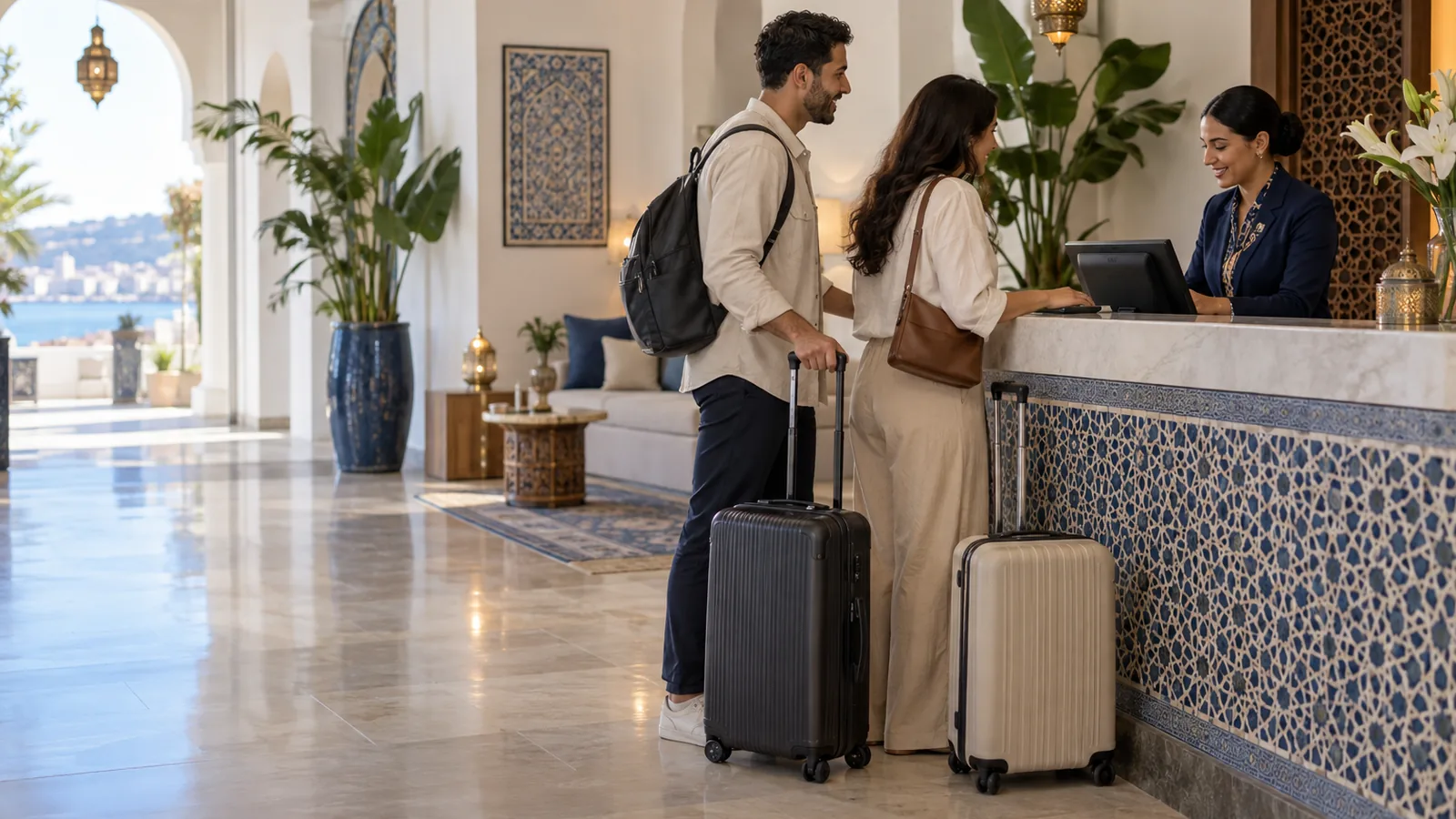
A booking notebook, a spreadsheet for rates, restaurant tickets in a drawer and an invoice rebuilt by hand when the guest leaves. The Almawarid Hotel and lodging module connects room planning, the front desk, consumption and the stay invoice, for hotels, residences and guest houses.
The room sold twice, and the bill pieced together at check-out
In a small hotel or a guest house, bookings are taken by phone and written in a notebook. At the weekend two people answer the phone, and the same room ends up promised twice. The guest arrives, and a solution has to be found in front of them.
At check-out everything has to be gathered: the nights, the coffee taken in the room, the dinner signed for at the restaurant, the deposit paid at booking, the tourist tax. Whatever is forgotten is never billed, and the police still expect a properly completed guest registration form.
A planning that prevents double sales, a bill that keeps itself
You declare your units once: rooms, traditional rooms, bungalows, houses, or halls rented by the day, with their capacity and nightly rate. Rate seasons apply a coefficient, for example 130% in high season. The planning shows every unit day by day; a booking cannot overlap another one on the same unit, and the room is free again on the day of departure.
The booking carries the guest, the dates, the occupants and the registration details: ID document, nationality, date and place of birth, where they come from and where they are going. During the stay, the folio receives consumption, and the restaurant till can charge a ticket to the room. Deposits and payments are recorded in cash, by transfer, cheque or card, with the balance due alongside. At check-out, the stay invoice is prepared in the Invoicing module: nights, consumption, tickets and tourist tax.
A front desk in five screens
- Units & rates: your rooms and halls with capacity and rate, the rate seasons, your municipality's tourist tax, and online booking switched on.
- Accommodation planning: every unit over several days, arrivals, departures, occupancy and web requests to handle; one click on a free cell opens a booking.
- New booking: the guest, the dates, adults and children, the suggested and editable nightly rate, the registration details; several units ticked together make a group booking, with one folio and one invoice per room.
- Folio — consumption: on the stay record after check-in: room service, restaurant tickets charged to the room, payments; checking out with an unpaid balance requires explicit confirmation.
- Invoice the stay: a draft invoice gathers the whole stay in the Invoicing module; you check it, then validate it.
What you gain
- No room sold twice. The software refuses any booking that overlaps another one on the same unit.
- Nothing forgotten on the bill. Consumption and restaurant tickets are added to the stay as they happen.
- Police paperwork ready. The police registration form prints for each booking, and the guest register is pulled for any period.
- The day on one screen. The daily log gives arrivals, departures, guests in-house and the cash collected that day.
- The month in figures. Occupancy rate, average rate per night sold, revenue per available room, and guest nights by nationality.
Who is it for?
Hotel and lodging serves establishments that rent rooms by the night or halls by the day and want a well-run front desk, from a five-room guest house to a hotel with its own restaurant.
- City and business hotels
- Tourist residences and seasonal rentals
- Guest houses and rural lodges
- Seaside complexes with bungalows
- Venues that rent halls by the day
Frequently asked questions
Can we take bookings online?
Yes: the module provides a public booking page, with a link to put on your website, your social pages or your Instagram bio. Requests arrive as “Web request” and you confirm them; nothing is blocked automatically.
Is the module connected to Booking or Airbnb?
There is no automatic synchronisation from your screens today. Bookings coming from those platforms are entered in the planning, which then prevents any double sale.
How do we confirm a booking to the guest?
From the booking record, one button sends the confirmation by email and another opens WhatsApp with the message already written: dates, unit, occupants and nightly rate.
Is the stay invoice compliant?
It is produced by the Invoicing module, with the same numbering and details as your other invoices. It starts as a draft: check the VAT rates applied before validating it, and ask your accountant about your own case.
Can we track room status?
Yes: each unit has a status: clean, to clean, cleaning in progress, to inspect or out of order. An out-of-order unit cannot be booked until its status is restored.
See the Hotel and lodging module on your own business
Come to the demo with your list of rooms and one week of your booking notebook: we build your planning in front of you.
- The demo. An advisor shows you the Hotel and lodging module on your own business, online and on your screen, and answers your questions. Request a demo.
- The trial version. It is switched on with an advisor during the demo, on your own account: your real products, your real customers, and 14 days to work in it. Create your account to request it.
- The customisation workshops. During the trial, we adapt the screens, documents and settings with you to the way you work. These workshops are free.
The Hotel and lodging module is switched on on request: ask for it during the demo, the advisor gives you its price, and you only pay if you decide to continue. The base plans are on the pricing page (in French).
Ask for the demo on WhatsAppRequest a demo