
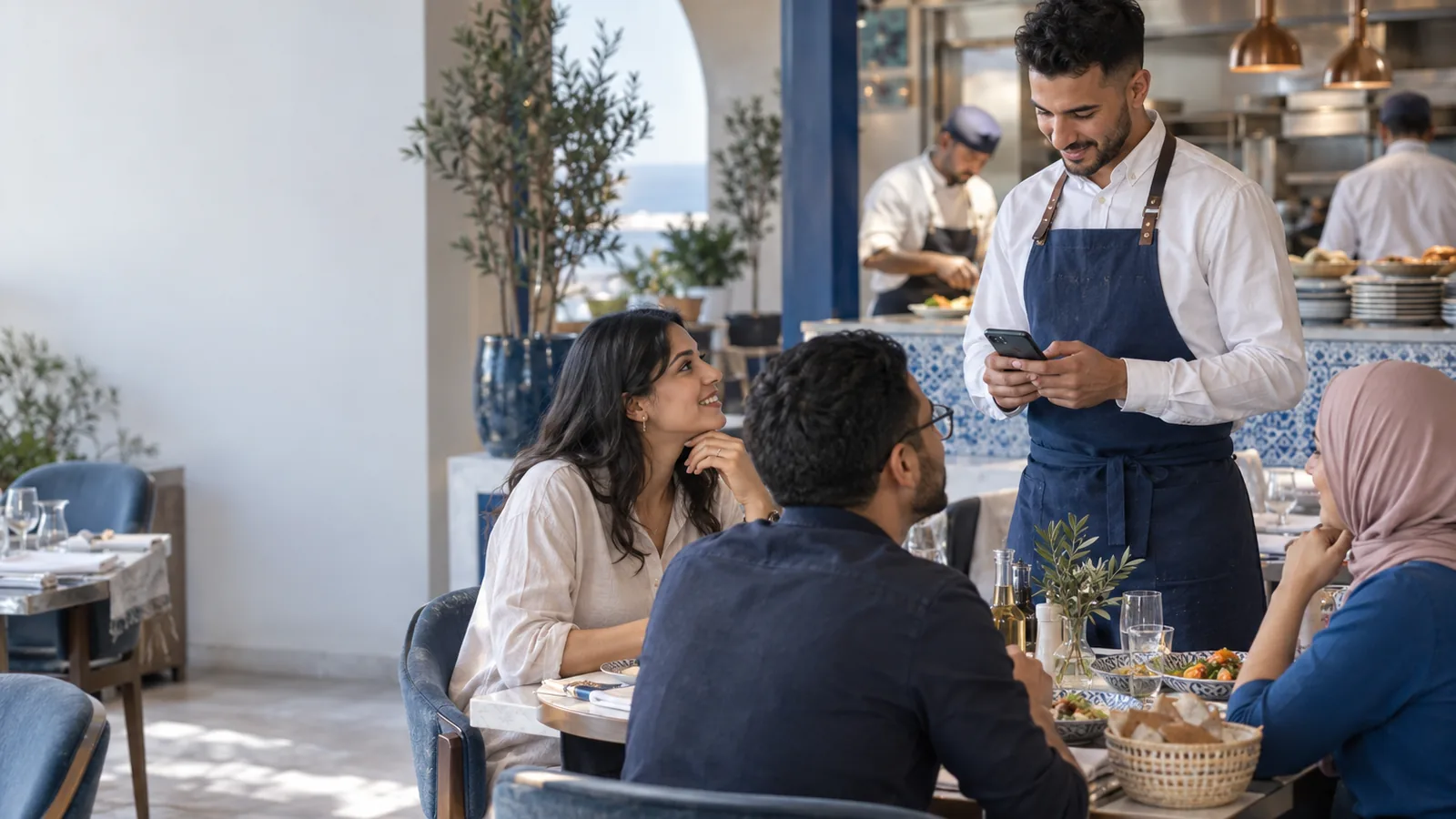
In the middle of service, a restaurant loses time and money between three places: the table, the kitchen and the till. The Almawarid Restaurant tables module connects them: the waiter takes the order on a phone, each dish goes to the right preparation station, and the bill becomes a till receipt without retyping anything.
The order pad, the run to the kitchen and the bill typed twice
The waiter writes on a pad, runs to the kitchen, comes back, then copies everything into the till when the bill is requested. A dish forgotten on paper is never charged, a misread ticket goes to the wrong station, and at the end of service nobody knows how many dishes were cancelled, offered or sent back.
The owner sees the day's takings but not what they hide: which dishes really sell, how long a table waits for its first dish, which waiter cancels more than the others. Without these figures the menu is decided by instinct and losses hide in cancellations.
From table to kitchen to till, with no paper and no retyping
The floor plan mirrors your restaurant: square, round or rectangular tables, dining room, terrace or upstairs, dragged into place and saved. The waiter opens a table, enters the covers, adds dishes or a set menu and adds a note for the kitchen (“no onions”, allergy). A regular customer can be linked to the table, so the visit joins their history.
“Send to kitchen” only sends new lines, split by preparation station: hot kitchen, cold kitchen, bar, desserts, or the stations you define. The kitchen display refreshes on its own and the cook marks each ticket “Ready”. At the bill, the order becomes an Almawarid till receipt: numbering, stamp duty and stock go through the point of sale.
One service, screen by screen
- Floor plan: you create your tables and drag them into place; the plan fits the waiter's tablet as well as the counter screen.
- Room: free and occupied tables as touch tiles: open a table, order, see what is still to be sent.
- Kitchen display: each station sees its tickets, numbered by table, with the notes; a dish cancelled after sending shows up too, so the cook stops or discards it.
- Collect payment: the bill is paid in cash or by card, with the amount received, and the receipt comes from the open till.
- Restaurant analysis: turnover, discounts, meals offered, cancelled dishes, average ticket per table and per cover, best-selling dishes, sales per waiter and service times.
What changes in the dining room and the kitchen
- No dish forgotten on the bill. What was ordered is what is charged: the order becomes the receipt.
- Cancellations you can see. Cancelling a dish needs a reason; if it has already gone to the kitchen, the manager's PIN is required and the loss is counted.
- Discounts with a reason. Each discount carries its reason and percentage, frozen when applied; meals offered to staff are kept apart from commercial gestures.
- A menu steered by figures. Best-selling dishes, items marked out of stock in one click, dish of the day and set menus: you adjust the menu to what sells.
- Service measured. The time from opening the table to the first ticket, then from ticket to dish ready, is shown in minutes, next to sales per day, lunch and dinner.
Who is it for?
The Restaurant tables module is for establishments that serve at the table and want to connect the dining room, the kitchen and the till. It adds to the Almawarid point of sale, which takes payment for the bills and keeps the stock.
- Traditional and family restaurants
- Pizzerias with table service
- Café-restaurants and tea rooms
- Hotel restaurants
- Grills and brasseries
Frequently asked questions
Do waiters need special handheld terminals?
No. Orders are taken in the browser of a phone or tablet, with large buttons made for fingers.
Do tickets print automatically in the kitchen?
Not yet. Each station carries the name of its printer, but the browser opens the print dialog and the user picks the printer. The kitchen display, on the other hand, works with no paper at all.
Can a bill be split between several customers?
Not yet: one table produces one bill, paid in cash or by card.
How do you prevent abusive cancellations?
Every cancellation needs a reason from a short list (input error, customer changed their mind, dish sent back, out of stock, kitchen error, other with details). A dish already sent can only be cancelled with the manager's PIN, and the report breaks cancellations down by reason and by waiter.
Is stock deducted?
Yes, by the point of sale when the bill is paid, like any sale; a dish cancelled after being sent to the kitchen leaves stock as a loss.
See the Restaurant tables module on your own business
Bring your menu and the layout of your dining room, even hand-drawn: during the demo we open a table, send the order to the kitchen and take payment for the bill with your own dishes.
- The demo. An advisor shows you the Restaurant tables module on your own business, online and on your screen, and answers your questions. Request a demo.
- The trial version. It is switched on with an advisor during the demo, on your own account: your real products, your real customers, and 14 days to work in it. Create your account to request it.
- The customisation workshops. During the trial, we adapt the screens, documents and settings with you to the way you work. These workshops are free.
The Restaurant tables module is switched on on request: ask for it during the demo, the advisor gives you its price, and you only pay if you decide to continue. The base plans are on the pricing page (in French).
Ask for the demo on WhatsAppRequest a demo